



From iPad Selection
to Lightroom Classic.
to Lightroom Classic.
Instantly sync ShutterSnitch ratings & labels to RAW files.
No more manual data entry.
No more manual data entry.
Select in JPEG, Develop in RAW.
On location, you send JPEGs to your iPad and select with the client.
With tethered shooting, the best shots are decided right there.
ShutterSnitch is a powerful ally for location
photographers and small studios.
With tethered shooting, the best shots are decided right there.
ShutterSnitch is a powerful ally for location
photographers and small studios.
But when you import RAWs into Lightroom Classic—
“Wait, which ones were the picks?”
“Wait, which ones were the picks?”
Visually matching filenames and manually re-starring each one.
A mindless task for hundreds of photos.
That is not creative time.
A mindless task for hundreds of photos.
That is not creative time.
Developed from a user’s perspective, “Label Sync” is
a Lightroom Classic plugin that
“Syncs ShutterSnitch ratings and labels to Lightroom Classic.”
a Lightroom Classic plugin that
“Syncs ShutterSnitch ratings and labels to Lightroom Classic.”
iPad ratings, straight to your Mac.
Simply import the CSV exported from ShutterSnitch.
Your ratings (★) and color labels are instantly reflected
on the RAW files in Lightroom Classic.
Your ratings (★) and color labels are instantly reflected
on the RAW files in Lightroom Classic.
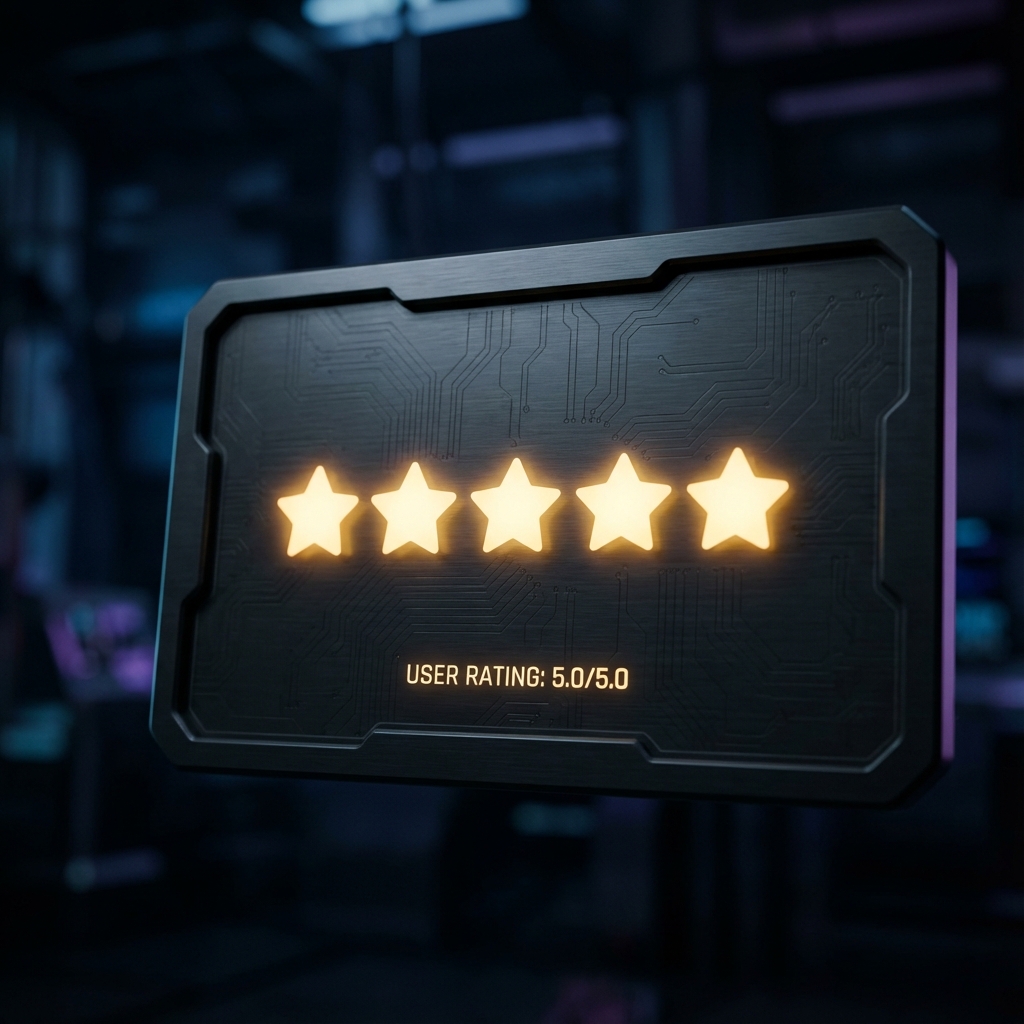
★ Rating Sync
Reflects ★1-★5 from iPad directly to RAWs in LrC. Maximizes ShutterSnitch’s rating features.
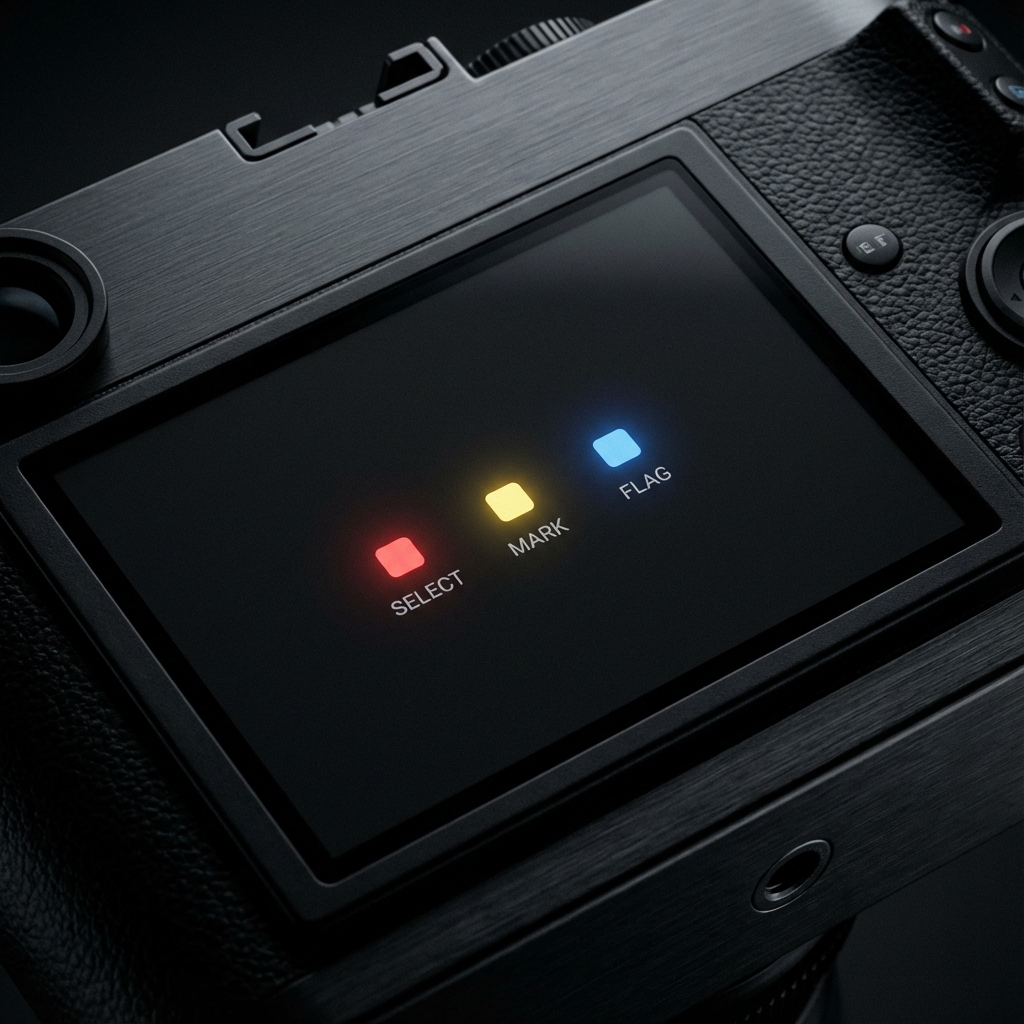
Color Label Sync
Red, Yellow, Green, Blue, Purple. All color labels are carried over. No need to re-categorize your
picks.
picks.
Flexible Matching
Matches by filename for FTP transfers. For PTP/IP where filenames change, it syncs by guessing
based on capture time. Duplicate filenames can be exported as a CSV checklist.
based on capture time. Duplicate filenames can be exported as a CSV checklist.

Multilingual & Simple
Supports 9 major languages including English, Japanese, Chinese, etc. No complex settings, just an
intuitive UI.
intuitive UI.
Simple Workflow.
STEP 01
Send CSV from iPad
After shooting, “Export Selection List” in ShutterSnitch. Output as text or CSV. Use Email for
Win, AirDrop for Mac.
Win, AirDrop for Mac.
STEP 02
Load in Label Sync
Open RAW folder in Lightroom Classic, select “File > Plug-in Extras > Label Sync…” and load
the list. Copy-pasting from email body works too.
the list. Copy-pasting from email body works too.
STEP 03
Sync Complete
Matching finishes instantly. All RAWs reflect the iPad evaluations. Now, start developing.
Detailed Guide & Specs
OPEN BETA
DOWNLOAD
Free trial available (7 days / 100 photos).
Full-featured 1-year Beta license available via “Pay What You Want”.
If it improves your workflow, support us starting from a cup of coffee.
(Mac / Windows Support | License valid for 1 year)
Full-featured 1-year Beta license available via “Pay What You Want”.
If it improves your workflow, support us starting from a cup of coffee.
(Mac / Windows Support | License valid for 1 year)
Label Sync
© 2025 OMNIVAS, Inc.
Adobe, Lightroom, and Lightroom Classic are registered trademarks of Adobe Inc.
ShutterSnitch is a
trademark of 2nd Nature.
Adobe, Lightroom, and Lightroom Classic are registered trademarks of Adobe Inc.
ShutterSnitch is a
trademark of 2nd Nature.